

 Any Location
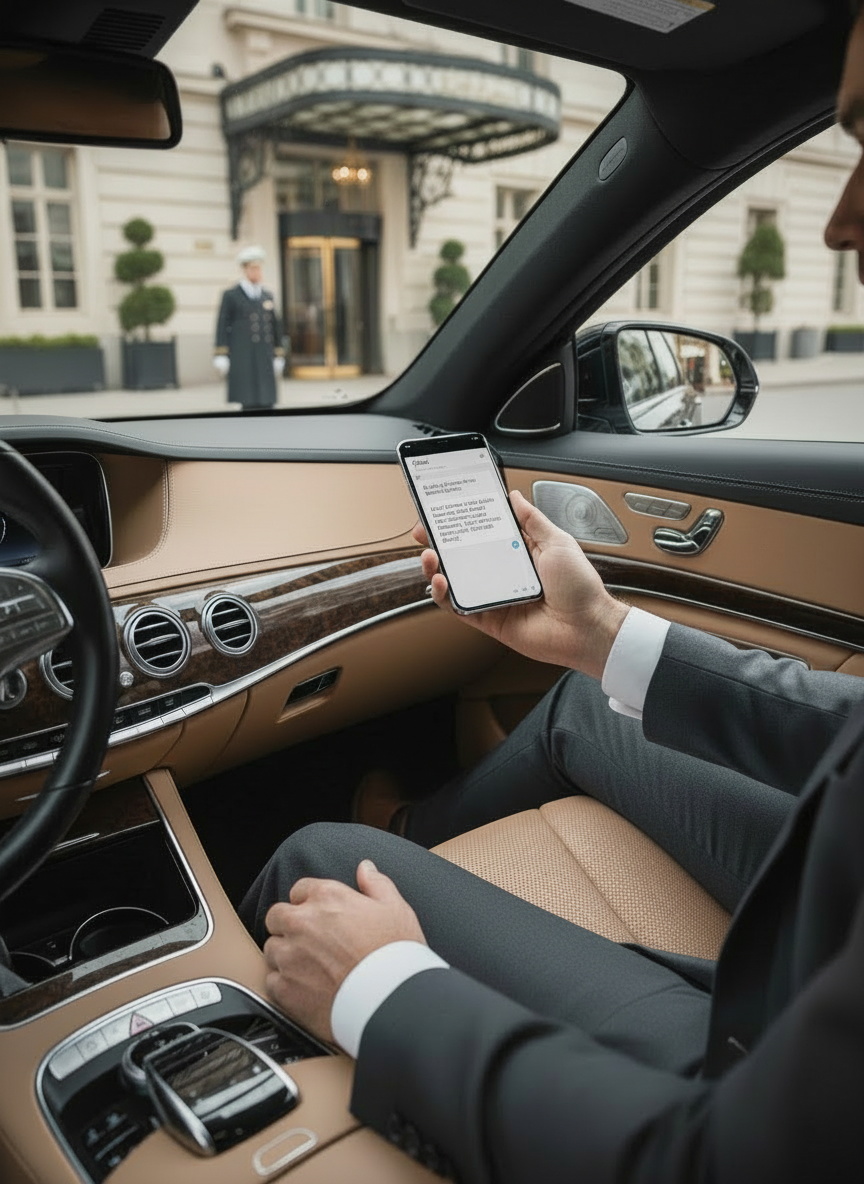
 Driver Confirmations
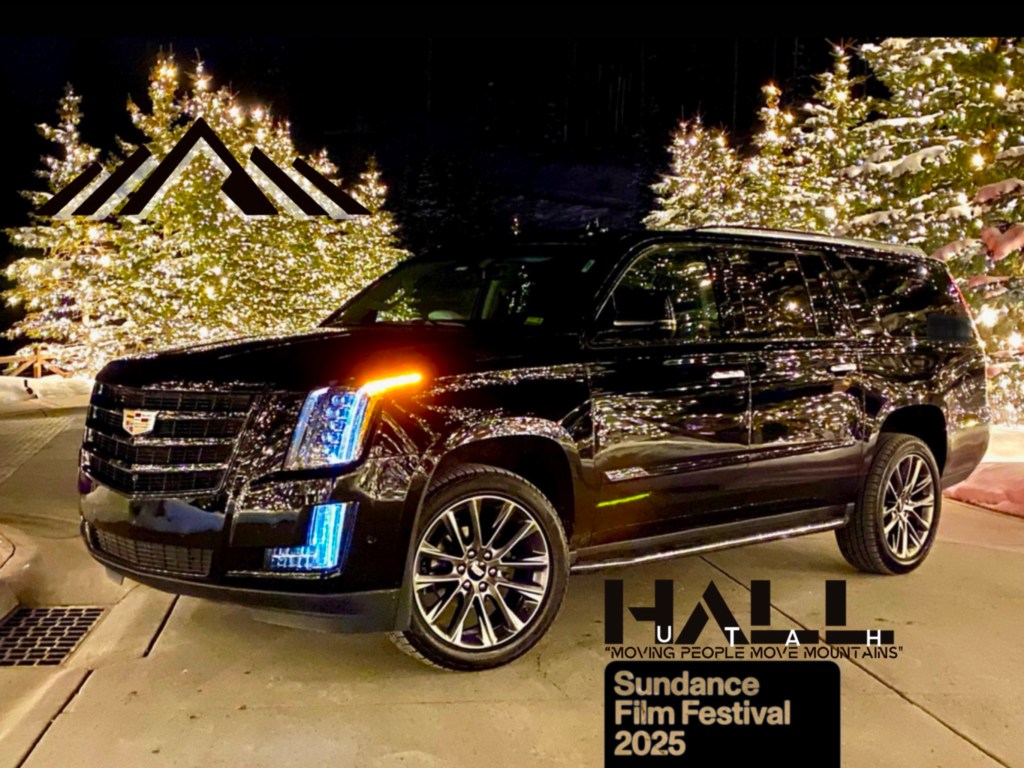
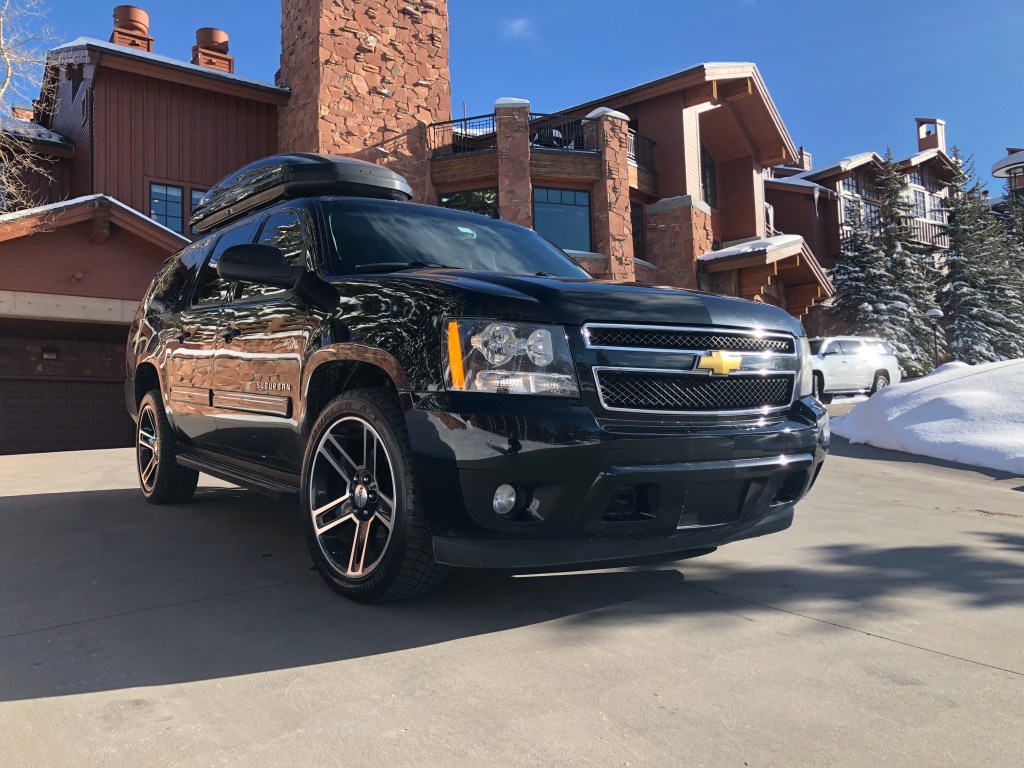
 safe vehicles

about us
we strive to deliver The Best Private Transportation experience.
We are a family owned and operated company that specializes in treating all of our clients like family. Our personal touches and friendly drivers will help you get to and from your destination in class and style, while also providing a safe and comfortable ride.
Personal Confirmations
Drivers will send a personal text the night before your travel day to confirm directly with you. This provides you with your own personal point of contact.
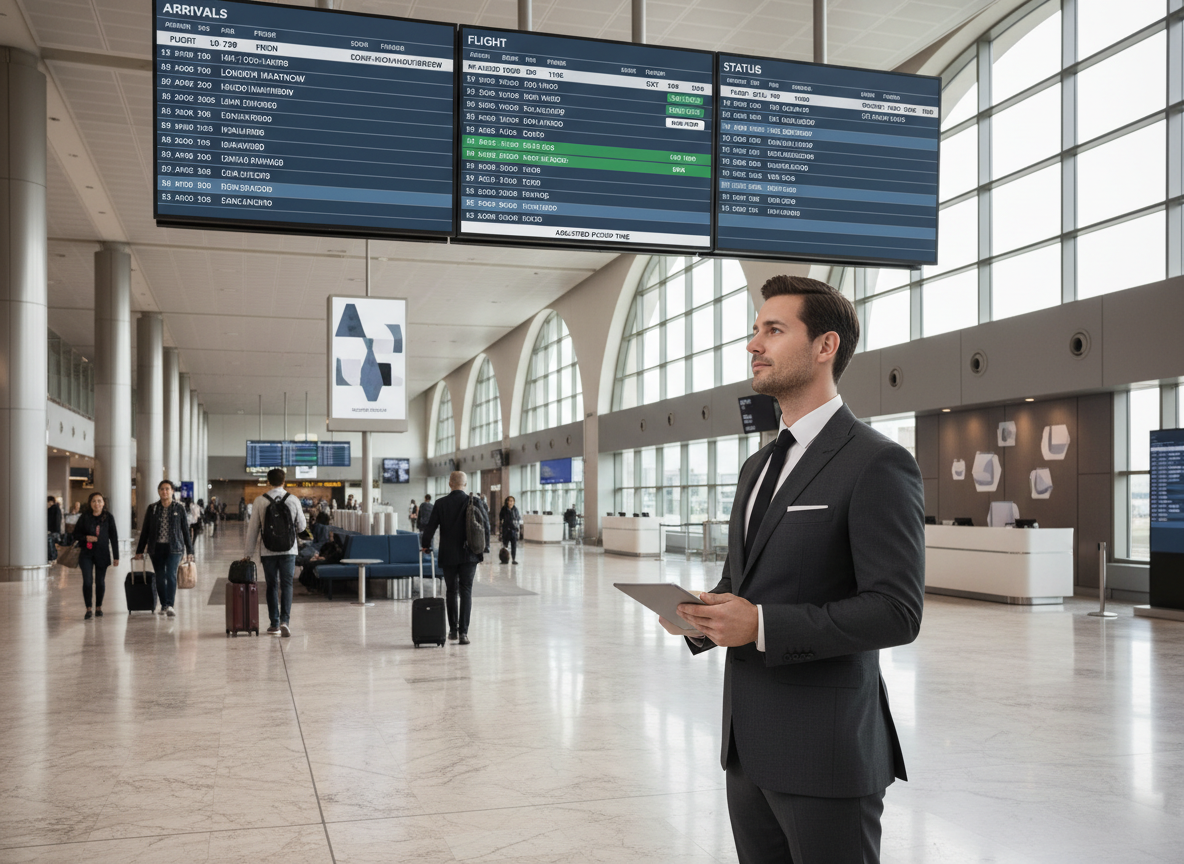
Airline Flight Tracking
Our booking system tracks flights, and our team will adjust to provide an on time pick up at the airport regardless of flight delays, cancellations or airline changes.
testimonials
what our customers are saying
Check out what our customers are saying about our top notch reservations team and our phenomenal drivers.
Hall Utah made transporting our out-of-town team completely seamless. From initial booking to final drop-off, working with them was an absolute pleasure. They are timely, responsive, courteous, and incredibly thoughtful. I cannot recommend them highly enough for anyone in need of reliable local car service.
Colleen Krupa
Executive Assistant
It’s genuinely disappointing that their services are primarily limited to Utah, as they set a standard I wish more companies followed. I cannot recommend Hall Utah highly enough and will absolutely use them again whenever I have the opportunity.
Nicole Bell
Logistics Manager
We booked Hall Transportation for early morning pickup in park city for a flight at SLC airport. Vivian was our driver and was excellent in every single way, prompt, safe driver, kind, professional plus helpful with airport directions. Highly recommend and we will definitely use in the future! The pricing was great as well!!
Kristin Roesch
Happy Ski Season Customer
Our driver Kevin was professional and checked in with us in advance of our trip via text. I was able to pre-pay all including tip which made the whole experience very convenient. Our family of 6 had 15 bags due to a Christmas trip and he helped us with all with ease. We’ll use their service again!
Mark McFarland
Happy Ski Season Customer
news & blog
our latest news & blogs
Check out our DRIVEN Blog where we share tips, insights and links that will help make your ski vacation one for the books. Find out about the best restaurants, fun sites to check out in the Park City area and how to make the best of your time in Utah.
-
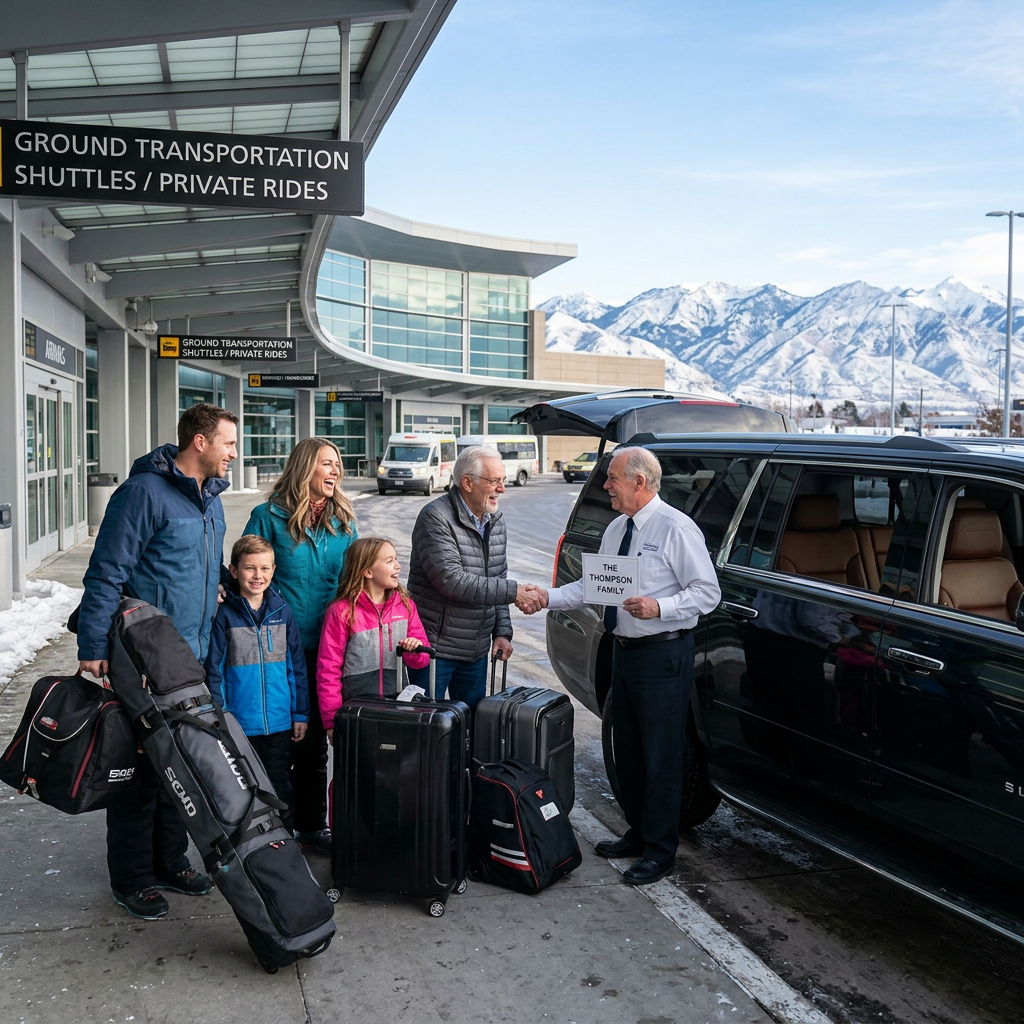
How to Choose the Right Private Airport Transfer for Your Utah Ski Vacation
How to Choose the Right Private Airport Transfer for Your Utah Ski Vacation A ski trip to Utah often begins…
-
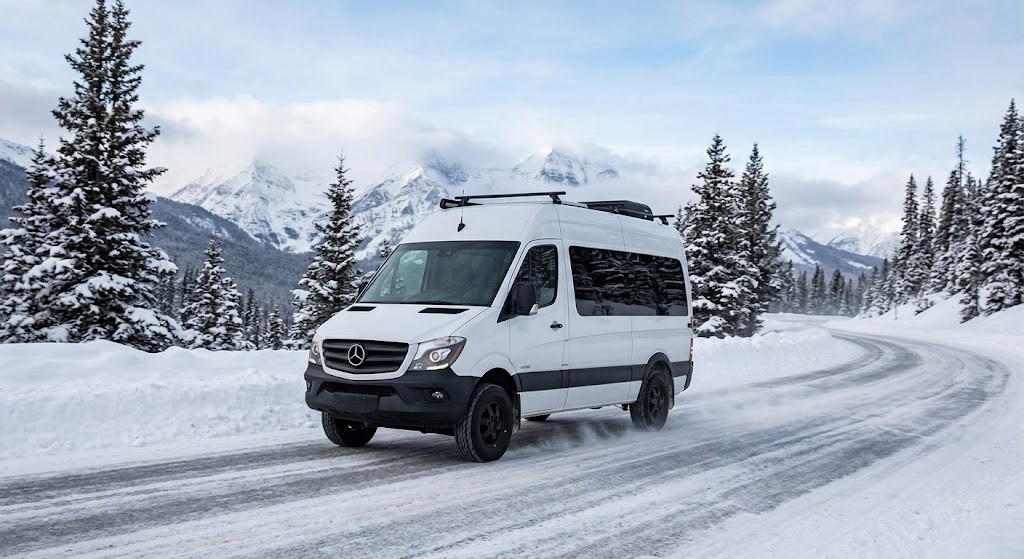
Navigating Utah’s Winter Wonderland: Park City Ski Tips and Safe Travel.
Welcome to the heart of the Wasatch Range, where winter brings breathtaking snow and world-class adventure. Whether you’re a seasoned…
-
Why Private Transportation Is the Better Choice in Park City
Why Private Transportation Makes Park City Travel Easier Park City is an incredible place to visit, but mountain weather, busy…
FAQ’s
have any questions for us?
Check out our frequently asked questions and answers below.
What if I want to make a stop on the way to my hotel?
We can definitely add a stop to your reservation. A 15 minute stop is an additional $25 and $1.25 for each minute past the first 15.
What happens if my flight gets cancelled or delayed?
Our booking system tracks flights, and our dispatch team monitors in bound flights each day to adjust drivers as needed. We pride ourselves in making sure that you have an on time, seamless pick up at the airport when you land.
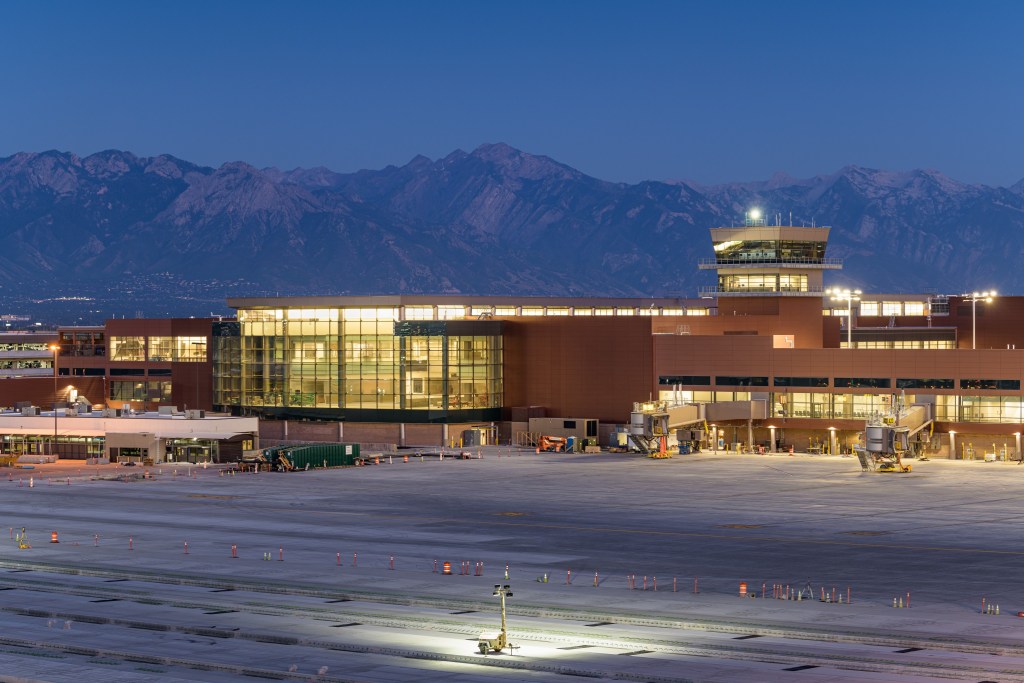
Where will I meet my driver at the airport
We pick up on the first level between columns 4A and 6A. Your driver will text you as soon as you land and give you clear instructions on where to meet them. You can also check out our SLC airport arrival instructions page.
what types of vehicles do you offer?
We have a large fleet of full size SUVs that range from Chevy Suburban to GMC Yukons. We also have Mercedes Sprinter vans and Ford Transit vans that seat up to 14 passengers.
How will i communicate with my driver
Your driver will text you the night before your reservation between 5-7 p.m. MST to confirm with you personally. That way you will have their name and cell phone number for your day of travel.
What happens if I need to cancel my transportation?
We have a 24-hour cancellation policy, so as long as you cancel prior to 24 hours in advance of your travel time, there will be no charge for the service.
Do you provide car seats free of charge?
Yes! We do. You can get booster, toddler and infant car seats at no charge. There is an option when you book online, or you can let the agent know when you call to book what type of seat(s) you will need.
Do you provide other transportation like weddings and corporate events?
We definitely provide wedding and corporate event transportation as well as other large group transportation for concerts and other events. We are happy to work with you to identify the best way to help you plan your event.